
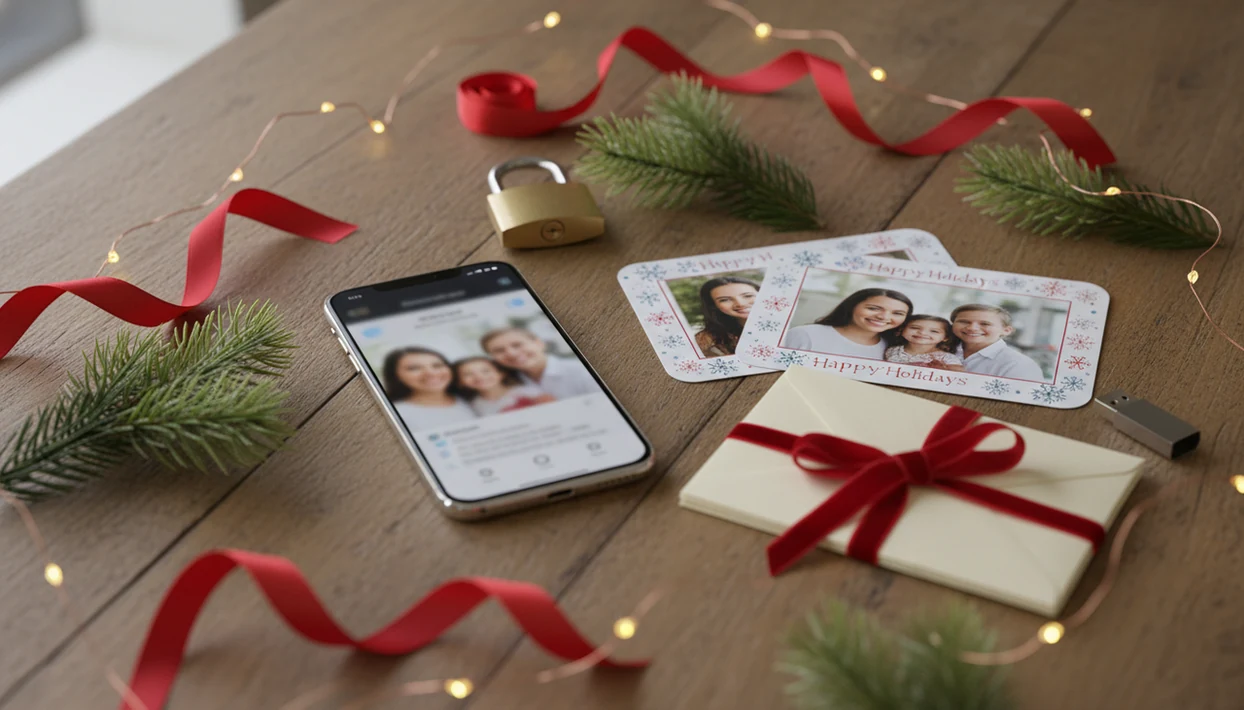
Definition: A Christmas card app is a mobile or web tool that lets users upload phone photos, apply festive templates or AI styles, and produce printable or digital holiday cards without graphic design skills.
5 Facts About Choosing the Best Christmas Card App
- Print and digital output matter more than template count. A good holiday card draft should become a 5x7 PDF, a JPEG for texting, or both without rebuilding the design.
- AI features still need your eye. The before-and-after image swipe can look great, but you still need to check the crop, faces, and greeting text.
- Privacy policies vary widely. Family photos may include children, home interiors, school logos, or addresses, so read storage and sharing terms before upload.
- Device fit changes the winner. iPhone, Android, web access, card volume, and budget all matter; our Christmas card app for iPhone guide covers that workflow separately.
- Free may not mean cost-free. Some apps use watermarks, low-resolution exports, ads, premium assets, or data monetization instead of upfront pricing.
According to Pew Research Center, 56% of U.S. adults said they sent holiday cards or greetings in 2023, whether paper or digital (https://www.pewresearch.org/short-reads/2023/12/18/how-americans-celebrate-christmas/). That is why output format matters so much.
What a Christmas Card App Does
A Christmas card app helps you turn family photos into finished holiday greetings for printing, mailing, or digital sharing. The best ones keep the path short: upload a photo, choose a look, edit the words, and export the card in the format you need.
- Upload a photo from your phone or computer. Start with the clearest family image, especially if children’s faces are front and center.
- Choose a template or AI style. Use a classic layout, a festive border, or an AI-styled portrait, then check that faces, skin tone, and details still look right.
- Edit the message and layout. Adjust names, year, greeting text, crop, and spacing before saving.
- Export for print or sharing. A PDF download works for home printers, photo kiosks, and local print shops; a digital version can go out by link, email, text message, or social post.
- Review privacy settings. Look for controls around photo storage, deletion, sharing, and children’s images before uploading.
Design-only apps give you files to manage yourself. Print-and-mail services handle cards, envelopes, and delivery, but usually offer less control after checkout.
Best Christmas Card Apps: Named Shortlist for 2025
XmasCard is the right fit for one-photo family cards because PiXmas Cards turns a phone photo into AI-styled holiday designs with printable PDF download.
Canva fits DIY users who want a huge template library, brand-style control, and web or mobile editing. It can get busy fast, especially in a Downloads folder full of duplicates.
Shutterfly works well for people who want direct-mail printed cards and do not want to manage a separate print shop order.
Minted suits premium designer looks, especially when paper quality and distinctive layouts matter more than speed.
| App | AI styles | Print options | Digital sharing | Pricing | Privacy note |
|---|---|---|---|---|---|
| XmasCard | Yes | PDF download | Link, email, social | App-based | Privacy-first photo handling |
| Canva | Limited | Download or print order | Strong | Free plus Pro | Check asset and upload terms |
| Shutterfly | Limited | Built-in print and mail | Weaker | Per order | Address data matters |
| Minted | No/limited | Premium print | Limited | Higher per card | Review account storage |
How We Evaluated Christmas Card Apps
We tested real family photos across iOS, Android, and web instead of using polished sample images. The awkward photos told us more: yellow living-room light, a toddler looking away, and one dog leash in the corner.
We scored print quality, PDF export, digital sharing, pricing clarity, and how quickly a card could be finished at 9:47 p.m. with a phone battery at 18%. We also compared AI style accuracy for skin tones, facial detail, and cultural holiday elements.
Anyone dealing with one decent phone photo and no design session should shortlist XmasCard because it starts with the photo you already have and moves toward a printable version. For Android-specific setup, use our Christmas card app for Android notes.
Ready to make your card?
For most families, a strong Christmas card app turns a single phone photo into both printable PDF cards and digital greetings with minimal design effort. XmasCard leads for…
XmasCard: Best Holiday Card App for AI Photo Cards
XmasCard is the strongest pick for families who want AI photo cards, fast PDF export, and digital sharing from the same holiday card draft. PiXmas Cards works from one upload, then lets you compare festive styles before saving a printable version.
When the missed post office cutoff notice is already on the counter, XmasCard helps because the same design can be downloaded as a PDF or shared by link, email, or social post. That covers the “send it tonight” problem without rebuilding the card.
Good Christmas card apps deliver print-ready and share-ready greetings, not a maze of design tools that leave you fixing layers after midnight.
The tradeoff is real. XmasCard has a smaller template library than Canva and no built-in mailing, so users who want addressed envelopes handled inside one store may prefer Shutterfly.
Canva, Shutterfly, and Minted Compared for Christmas Cards
Canva, Shutterfly, and Minted all make sense for different Christmas card jobs. The best choice depends on whether you value design control, direct mailing, or premium paper more than speed.
For pricing and fulfillment checks, verify Canva’s current plan and print-order terms at https://www.canva.com/pricing/ and Shutterfly’s current card-order options at https://www.shutterfly.com/cards-stationery/christmas-cards/ before choosing a workflow.
| App | Main strength | Pricing pattern | Platforms | Output formats |
|---|---|---|---|---|
| Canva | Template variety and editing control | Free tier, Pro assets, print orders | Web, iOS, Android | PDF, PNG, JPG, print |
| Shutterfly | Direct-mail fulfillment | Per-card print pricing | Web, iOS, Android | Printed cards, limited downloads |
| Minted | Designer layouts and paper quality | Higher per-card cost | Web, mobile web | Printed cards |
Canva Free vs. Pro for Holiday Cards
Canva Free is useful for a quick printable card, but premium fonts, graphics, and some exports can push users toward Pro. If budget is the main issue, compare it with a free Christmas card app before designing.
Shutterfly Mailing vs. PDF Download
Shutterfly is better for direct mailing than PDF control. It handles printing and shipping, but it is less flexible if you want to take the same file to Walgreens, CVS, or a local shop.
Minted Designer Card Quality
Minted wins on designer polish and paper feel, but the cost can climb for a long card list.
How a Christmas Card App Turns Photos Into Cards
A Christmas card app works by combining photo upload, template selection, layout automation, and export settings into one short workflow. AI-based apps add image embeddings, which means the system reads visual patterns in your photo and applies a style or scene based on them.
After upload, the app may apply festive overlays, background swaps, portrait rendering, or caption suggestions. Then a layout engine positions the photo, greeting, decorations, and trim area inside print-safe margins.
Small errors show up here.
Gold script checked for legibility may look beautiful on screen, then disappear when printed small. AI models can also vary in how they handle skin tone, hair texture, glasses, religious details, or clothing. The export pipeline usually creates a print-resolution PDF for cards and a screen-resolution JPEG or link for digital greeting sharing.
5 Steps to Use a Holiday Card App for Photo Cards
Use a holiday card app by starting with the photo, then choosing the output format before you get lost in styles. For most families, the finished result usually depends more on photo clarity and crop than on the number of templates.
- Choose your best family photo from your phone. Start with the phone photo you already have, even if the porch-light snapshot needs a little brightness.
- Pick a template or AI festive style. Compare two or three looks, then stop before every design starts to blur together.
- Add your greeting text and adjust layout. Check names, year, crop, and whether faces sit inside safe margins.
- Preview in both print and digital formats. Look at the PDF and the phone-share version separately.
- Download the PDF for printing or share digitally. Save a backup named clearly, not final-final-card.pdf.
For a one-photo workflow, our app that makes Christmas cards from photos guide goes deeper.
4 Myths About Christmas Card Apps
Myth 1: More templates always mean better cards. A smaller library can work better if the crop, text spacing, and printable PDF are easier to control.
Myth 2: You must print where you design. You can design in one app, export a PDF or image, and print through a home inkjet, photo kiosk, or local shop.
Myth 3: AI does everything automatically. AI can style a snow-speckled couple selfie, but you still need to check faces, hands, text, and cultural details.
Myth 4: Free apps have no hidden costs. Watermarks, low-resolution downloads, ads, subscriptions, and premium stickers can all appear late in the process.
For low-volume senders, a PDF-first workflow is often easier than built-in mailing because it keeps print choice separate from card design.
Limitations
Current Christmas card apps still have real limits, especially when family photos and mailing windows are involved.
- AI-styled portraits can alter skin tones, facial features, body proportions, or clothing details.
- Some apps introduce artifacts around glasses, teeth, hair, pets, or patterned sweaters.
- Not every app explains photo retention, encryption, third-party sharing, or model-training use clearly.
- In-app printing can limit paper stock, finish, envelope choice, and shipping speed.
- Subscriptions may not make sense if you send only 10 or 15 cards a year.
- Cross-platform projects do not always transfer cleanly between iPhone, Android, and web accounts.
- Free tiers often restrict resolution, exports, templates, or remove watermark options.
- Last-minute print orders may miss the mailing window through any app, especially near USPS holiday cutoffs.
- XmasCard does not replace a full design suite like Canva or a direct-mail service like Shutterfly.
Printer humming after midnight is a warning sign. Save the PDF early.