
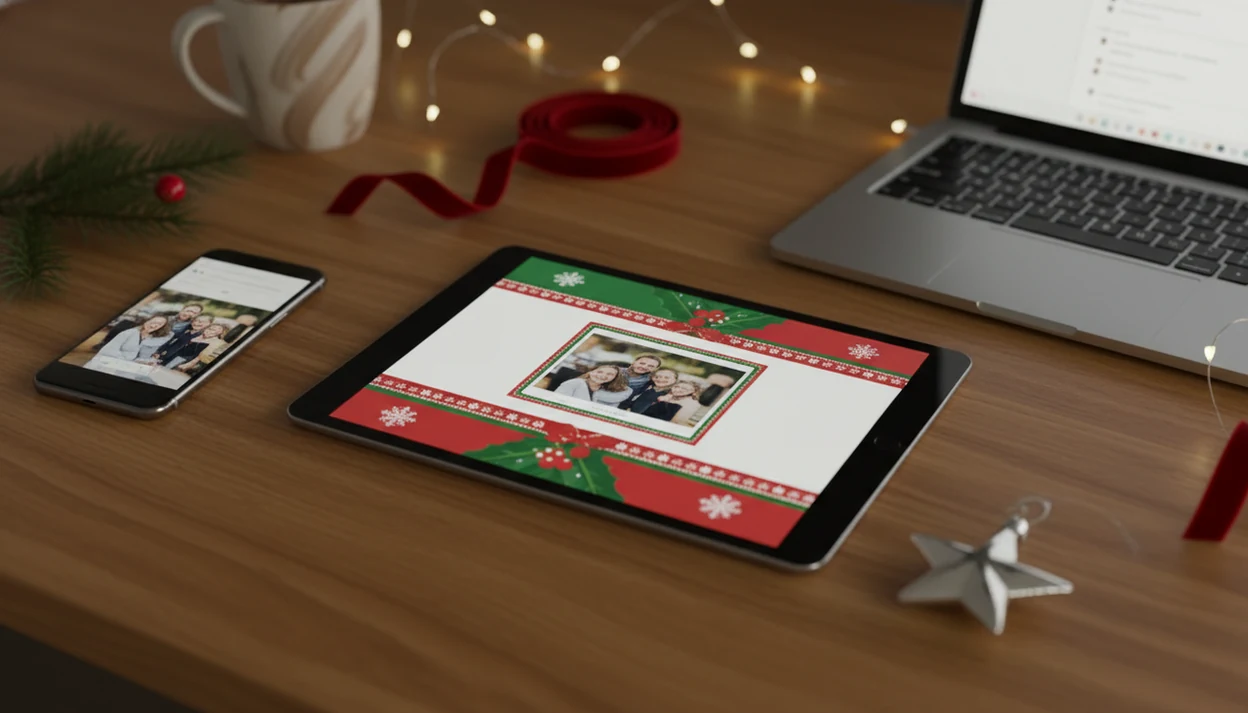
For a one-photo workflow, XmasCard is the most direct fit because it turns a phone photo into an email Christmas card, shareable digital holiday card, or print-ready version from the same draft. PiXmas Cards-style AI templates are especially useful when you need a festive result quickly without hand-designing the layout.
Definition: A digital Christmas greeting card is an electronic holiday greeting, either a static image or animated ecard, created from a personal photo and delivered instantly by email, text, or shareable link instead of printed mail.
- Upload one phone photo, apply an AI holiday style, add a message, and export at 600–800 px wide for email delivery.
- Digital holiday cards are faster, cheaper, and greener than printed cards. A 2023 UK survey found 60% of respondents preferred digital greetings for at least some occasions.
- Check deliverability, including subject line and sender name, and review privacy settings before you hit send.
What a Digital Christmas Greeting Card Actually Is
A digital Christmas greeting card is an online holiday card that replaces the mailed paper card with an image, ecard, or link people can open on a phone or computer. It may also be called a digital holiday card, email Christmas card, or Christmas ecard.
The format is simple: one photo, a seasonal layout, a short greeting, and a delivery method. Most families send these by email, text message, private social link, or a card platform’s share page. The same finished design can often be exported again for print, which helps if Grandma wants a paper copy and your college friends are fine with a link.
Start with the photo you already have.
At 9:47 p.m., that usually means one usable phone photo after bedtime, not a studio shoot.
5 Facts About Email Christmas Cards Every Sender Needs
- Digital cards are fast. An email Christmas card can be created and sent the same night, which helps when the mailing window has already slipped.
- Digital greetings are now normal for many people. In a 2023 UK survey, 60% of respondents said they preferred digital greetings over traditional paper cards for at least some occasions.
- Younger recipients often prefer ecards. Research on Christmas card preferences reports that over 75% of Gen Z prefer an ecard over a paper Christmas card, though your own family list may vary.
- Email has broad reach. Pew Research Center has reported that 89% of U.S. adults use email, so a digital holiday card can reach most households without postage. Source: https://www.pewresearch.org/internet/fact-sheet/internet-broadband/
- Mail volume has shifted. A USPS report noted First-Class Mail volume fell from 90.2 billion pieces in 2010 to 50.7 billion in 2021, reflecting broader digital communication habits. Source: https://about.usps.com/what/financials/10k-reports/fy2021.pdf
For last-day sending, a last minute Christmas card maker is often easier than a print order because it skips pickup lines, envelopes, and postage timing.
How a Digital Holiday Card Maker Works Behind the Scenes
A digital holiday card maker turns your photo into a finished card by detecting faces and scene areas, applying a visual style, placing text on a layout grid, then exporting a compressed image. In plain terms, it finds the important parts of the photo and builds a greeting around them.
The upload step usually checks face position, brightness, and background clutter. AI style transfer can add snow, warm fireplace glow on faces, a red scarf, borders, or color grading. A text rendering engine then places “Merry Christmas” or your custom message inside safe margins so it doesn’t cover someone’s face.
The export pipeline matters. Email versions are usually JPEG or PNG files at 72 to 150 dpi, often under 1 MB. Print versions need higher resolution. Link-based delivery loads the card from a web page, while inline email images or attachments travel inside the message itself.
Good Christmas card maker and holiday greeting guides help families turn phone photos into printable cards, digital greetings, and festive portraits using AI styles, not vague seasonal design talk.
Requirements Before You Start Your Digital Christmas Card
Before you open a card maker, gather the parts that stop people mid-draft. You need one well-lit phone photo, either portrait or landscape. Faces should be clear, and the background should not show private paperwork, school names, or a house number.
You also need recipient emails or phone numbers, a short greeting under 50 words, and access to a card-maker app or site. Tools like XmasCard can help when you want one photo to become both a printable version and a digital greeting. Canva, Picsart, and Photoleap are also common options.
Small businesses should add a logo file before starting. Otherwise you end up digging through a Downloads folder full of duplicates while the email attachment bar creeps forward. Not ideal.
What Makes a Good Digital Christmas Greeting Card Maker?
A good digital Christmas greeting card maker protects the people in your photo while making the card easy to send. It should help you create something festive, readable, and shareable without turning familiar faces into strangers.
Use this quick buying check before you commit to a template or export:
- Check the upload and crop tools. You should be able to preview the card, adjust the frame, and keep faces safely away from text, borders, and automatic cutoffs.
- Choose styles that respect the photo. Snow, lights, sweaters, and warm color edits are useful only if the person still looks like themselves.
- Confirm the export choices. Look for email-size downloads, link sharing, and a higher-resolution option for print so you are not rebuilding the card later.
- Review privacy controls. Family photos, children’s faces, and recipient lists deserve clear settings, not a mystery upload box.
- Test the wording tools. The best makers make short greetings easy to place, resize, and read on a phone, especially when the message is just one warm line and the year.
Ready to make your card?
To make a digital Christmas greeting card from one phone photo, upload your image to a card maker, choose a holiday style and layout, add your greeting text, then export at…
How to Create a Digital Christmas Greeting Card in 5 Steps
Use this five-step workflow when you want a finished card tonight without redesigning everything twice. Keep a backup of the original photo before you crop or stylize it.
- Upload your photo. Choose a clear phone photo with enough space around the faces.
- Pick an AI holiday style or template. Select a look that matches the photo, not just the loudest design.
- Write and position your greeting text. Keep the message short and check the crop.
- Export at email-friendly dimensions. Use 600–800 px wide, under 1 MB, in JPEG or PNG.
- Send and verify delivery. Email, text, or share a link, then confirm the test version opens.
Step 1 – Upload Your Phone Photo
Pick the photo where faces are sharp, even if the toddler is looking slightly away.
Step 2 – Pick an AI Holiday Style
Choose a style that fixes mood, color, or background without making people look unfamiliar.
Step 3 – Write Your Greeting Message
Use one warm line, names, and the year. Longer wording can go in the email body.
Step 4 – Export at Email-Friendly Size
For most families, a 600–800 px wide JPEG is often better than a huge attachment because it loads faster in crowded inboxes.
Step 5 – Send and Verify Delivery
Send the card to yourself first, then open it on a phone and a laptop.
Common Mistakes When Sending an Email Christmas Card
The biggest email Christmas card mistakes are not design mistakes. They are delivery, size, and privacy mistakes.
Avoid vague subject lines like “Open this now” or anything that feels like a promo blast. Use a recognizable sender name, such as “The Rivera Family,” instead of a no-reply address. Large attachments can fail, load slowly, or make the message look suspicious, so compress the card or use a secure link.
Test-send to yourself before sending the full list. Open it in Gmail, Apple Mail, or whatever your family actually uses. We have caught one red-eye flash, a dog leash in the corner, and a typo only after seeing the test email on a phone.
Also ask permission before uploading or sending photos of other people’s children. Family-safe sharing matters more than a clever layout.
For device-specific steps, the iPhone workflow is covered in how to make Christmas card on iPhone.
Matching Your Digital Holiday Card to Print for a Cohesive Look
You can use one design for both digital and printed cards if you export it at different resolutions. Use 300 dpi for print and 72 to 150 dpi for digital delivery.
Keep the font, color palette, greeting line, and photo crop consistent across formats. That way your email card, printed postcard, and social version feel like one family greeting. It also saves time when you are comparing two card versions at the kitchen table.
Decide who gets which format by preference, not guilt. Younger recipients may prefer ecards, especially given reported Gen Z preference for digital Christmas greetings. Older relatives, photo collectors, and people without reliable email may still appreciate print.
XmasCard and PiXmas Cards-style workflows fit this split well when you want one holiday card draft to become both a shareable image and a printable version.
Who Should Send a Digital Christmas Card Instead of Print?
Send a digital Christmas card when speed, list size, or distance matters more than a paper keepsake. Choose print when the recipient will display the card, save the photo, or simply enjoy opening real mail.
A practical split usually looks like this:
- Use digital for late sending, big address lists, college friends, coworkers, and relatives overseas. It skips postage timing and lets people open the card on the device they already use.
- Use print for older relatives, keepsake people, and households where holiday cards still end up on the fridge, mantel, or ribbon board.
- Use both when your design can export at digital and print resolutions. One photo, one greeting, two delivery formats, fewer late-night edits.
- Choose the tool by job. Canva, Picsart, and Photoleap are broader design options if you want general templates, collages, or heavier editing. XmasCard is more focused when you want a one-photo, Christmas-specific workflow that turns a family snapshot into a festive digital card and print-ready version without building the layout from scratch.
Verification Checklist for Your Digital Christmas Greeting
Use this final check before you send the card to everyone. It catches the small things people notice first.
- Mobile view: Open the card on a phone and confirm the image renders correctly.
- Desktop view: Check that the card is not blurry, stretched, or cropped oddly.
- Text: Read the greeting aloud once and check names, year, and punctuation.
- File size: Keep the image under 1 MB when sending by email.
- Sender name: Use a recognizable name, not “noreply@…” or a random account.
- Privacy: Look for visible addresses, school logos, license plates, work screens, or medical papers in the background.
For wording help, short lines from Christmas card wording ideas usually work better than long paragraphs on the card image.
Limitations
Digital Christmas cards are useful, but they are not right for every recipient or every family photo. Check these tradeoffs before you replace all printed cards.
- Older or less tech-savvy recipients may see a digital card as less personal than something they can place on the fridge.
- Ecards can land in spam, get buried in promotions tabs, or be missed during a busy holiday week.
- Heavily animated cards, music, and video may not render well in all email clients.
- Not all card platforms handle personal data responsibly. Read the privacy policy before uploading children’s photos.
- Digital cards reduce paper waste, but servers, devices, and network delivery still use energy.
- Very small or dark phone photos may look worse after AI styling, especially under yellow living-room light.
- Printed versions still need a separate resolution check. A home inkjet tray can pull cardstock slightly crooked.
If cost is the main issue, compare limits in a free digital Christmas card maker before building the final-final-card.pdf.