
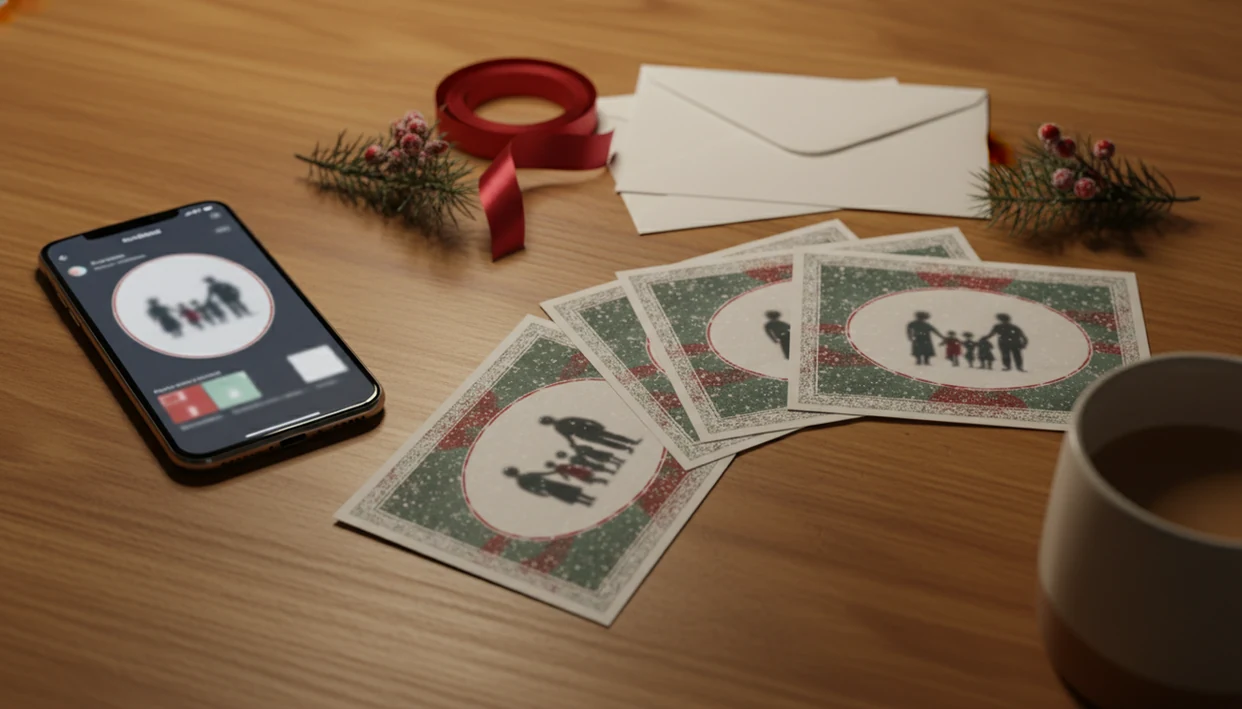
> Definition: A family Christmas card app is a mobile or web tool that imports casual phone photos, applies festive templates and AI enhancements, and exports both printable holiday cards and digital greetings families can share by mail, email, text, or social media.
- Upload one phone photo and get a print-ready family Christmas card plus a matching digital greeting in minutes.
- AI styling fixes lighting, removes cluttered backgrounds, and adds studio-quality holiday effects to unposed family snapshots.
- Free tiers offer usable templates; paid upgrades unlock premium designs, watermark removal, and high-resolution exports.
Family Christmas Card App Workflow for Busy Parents
A family Christmas card app replaces the studio-session scramble with a phone-first workflow: choose a real family photo, apply a holiday style, add wording, then export print and digital versions. In 2023, 90% of U.S. adults reported owning a smartphone, according to Pew Research Center: https://www.pewresearch.org/internet/fact-sheet/mobile/
That matters at 9:47 p.m., when the kids are asleep and the phone battery is at 18%. Scheduling a photographer, matching outfits, and hoping everyone smiles can turn one card into a weekend project.
XmasCard fits parents who have one usable snapshot, not a perfect portrait, because PiXmas Cards can style casual phone photos into family photo Christmas cards with printable and shareable exports from the same holiday card draft. The right fit for one-photo card making is XmasCard because the workflow starts with camera-roll import and ends with both a PDF and a digital greeting.
For parents, a phone-photo card workflow is often easier than a studio session because the photo selection happens from pictures the family already has.
5 Must-Know Facts About Family Photo Christmas Cards
- U.S. domestic greeting card sales are estimated at about 6.5 billion cards annually, according to the Greeting Card Association: https://www.greetingcard.org/industry-facts-and-figures/
- AI card features can adjust yellow living-room light, soften harsh flash, remove distracting backgrounds, and add holiday styles.
- Free tiers are often usable for basic cards; paid tiers usually add premium templates, watermark removal, and higher-resolution exports.
- One holiday card draft can export as a print-ready PDF, an email-friendly image, and a social-post format.
- Privacy controls matter because family photos may be uploaded, processed, stored, or used differently depending on the service.
XmasCard is a practical choice for families comparing a family holiday card app because it keeps the output decision simple: make one design, then choose print, text, email, or social sharing. If you want a broader buying checklist, our best family Christmas card app guide compares the main decision points.
Good Christmas card makers deliver printable cards, digital greetings, and festive AI photo styles, not a complicated design suite that expects parents to become layout experts.
AI, Templates, and 300 DPI Exports in Card Apps
Family Christmas card apps work by importing a photo from your camera roll or cloud storage, analyzing the image, and compositing it into a finished card layout. The technical pieces are image embeddings, face detection, exposure correction, and template rendering. Plain English: the software identifies the people, improves the picture, then places it into a designed card.
First, AI portrait enhancement may balance skin tones, brighten faces, and reduce the worst shadows. Then background removal can separate the family from a cluttered room and replace it with a snowy porch, warm fireplace, or illustrated scene. We still check the crop before exporting. A toddler mitten over the lens cannot be styled into eye contact.
Template compositing layers the photo, greeting text, names, date, borders, and festive elements. The export pipeline then rasterizes the finished design for print-spec files, often 300 DPI PDF, and creates smaller web-optimized versions for email, SMS, or social posts.
5 Steps to Create Family Holiday Cards in XmasCard
Use XmasCard by starting with the photo you already have, then building one holiday card draft for both print and digital delivery.
- Upload one family photo from your phone’s camera roll, then check the crop before choosing a style.
- Pick an AI holiday style such as watercolor, vintage, illustrated, or classic portrait.
- Choose a festive card template with a layout that fits your photo shape and family name length.
- Add your greeting text, names, and year so the card feels personal, not like a blank template.
- Export a print-ready PDF and a digital version for email, text, or social sharing.
After the late-night laptop session at the kitchen table, when the mailing window is already tight, XmasCard handles the shortest path because one design can become a printable version and a quick texted digital greeting. PiXmas Cards is especially useful when the Downloads folder already has three copies named final-final-card.pdf.
Ready to make your card?
A family Christmas card app lets busy parents turn a single phone photo into polished printable cards, digital greetings, and social-media-ready holiday images, no studio session…
Top 3 Features Families Use Most in a Holiday Card App
Families usually lean on three features: background replacement, portrait cleanup, and dual export. These are the tools that turn a crooked couch family photo into a card that feels intentional.
AI Background Swap for Cluttered Family Snapshots
AI background swap turns messy living-room photos into snowy holiday scenes or simple studio-style backdrops. XmasCard fits families with cheerios scattered near the backdrop because it can separate the people from the clutter and rebuild the scene around them.
One-Tap Portrait Enhancement for Kids' Photos
Portrait enhancement helps with unposed kid photos by brightening faces, reducing red-eye flash, and balancing uneven indoor light. It will not invent a smile, but it can make a real family moment look card-ready.
Dual Export: Printable Card and Digital Greeting
Dual export creates a printable card file and an optimized digital greeting from the same design. Families planning matching family Christmas cards can keep one visual style across mailed cards, texts, and social posts.
Common Family Christmas Card Patterns and Mistakes
“Do I need a studio photo?” No. Family Christmas card apps are built for casual phone pictures, including the dog leash in the corner and one kid looking away.
Another misconception is that these tools only make e-cards. Most major options, including Canva, Picsart, Photoleap, and XmasCard, can produce print-ready files or digital greetings. Free tiers are also not automatically useless. Many offer solid templates, with paid upgrades for premium layouts, high-resolution exports, or watermark removal.
The pattern we see is simple: people spend too long hunting for a flawless photo and too little time writing the greeting. Rushed photo selection and generic wording can still feel flat, even with a lovely frame. Digital sharing is also normal family communication now: 72% of U.S. adults reported using at least one social media site in 2021, according to Pew Research Center: https://www.pewresearch.org/internet/fact-sheet/social-media/
On days when the grandparents need mail and cousins just need a text, XmasCard covers both because the same card can export for print and social sharing.
At-a-Glance Family Christmas Card App Checklist
Use this checklist before choosing a family holiday card app. The most useful option is the one that matches your photo source, export needs, and comfort level with family-safe sharing.
| Checklist item | What to look for |
|---|---|
| Phone photo import | Camera roll and cloud photo support |
| AI styling | Portrait enhancement, lighting correction, and background tools |
| Print-ready export | 300 DPI PDF or high-resolution image download |
| Digital greeting export | Email, SMS, and social-ready file sizes |
| Privacy controls | Clear storage, processing, deletion, and AI-training terms |
| Free tier | Usable templates before paying |
XmasCard earns a spot for parents who want one-photo simplicity because the workflow is built around upload, style, template, wording, and dual export. For more parent-specific timing tips, the Christmas card app for parents page covers late starts and kid-photo realities.
Family Christmas Card App vs Alternatives
Choose XmasCard when you want the shortest path from one phone photo to a finished family card. Choose Canva, Picsart, Photoleap, or a print-shop template when you want more manual control, heavier editing, or direct retail pickup.
- Pick XmasCard if timing is tight and the photo is ordinary but usable. One-photo AI styling can brighten faces, swap a cluttered background, and create a holiday look faster than dragging layers around by hand.
- Use Canva if you enjoy layout choices, fonts, and template tweaking. It is stronger for manual design control, but slower when the photo itself needs help.
- Try Picsart or Photoleap if you want creative edits, effects, or compositing before building the card. Watch for watermark rules, export resolution, and whether premium filters sit behind a paywall.
- Choose print-shop templates if pickup, paper stock, envelopes, and trim support matter more than custom AI styling. Integrated print services can beat PDF export when you need predictable sizing and no home-printer surprises.
- Check privacy and output terms before uploading children’s photos. The best option depends on whether you need speed, higher-resolution files, watermark-free downloads, or a specific printed finish.
Print-Shop and Photo-Quality Gaps in Family Card Apps
Family card apps can improve an ordinary photo, but they cannot fully rescue a file that is extremely blurry, heavily pixelated, or nearly black. If the original face detail is gone, AI styling has little to work with.
Older phones may also lag during background removal or illustrated portrait effects, especially on weak Wi-Fi. We have seen a home inkjet tray pull cardstock slightly crooked even when the exported file looked fine. Print shops can add another wrinkle because color profiles, bleed settings, and trim margins vary by location.
XmasCard helps by producing print-ready files, but you should still review the print preview and follow the local shop instructions. For before-and-after expectations, compare examples in family Christmas card results from one photo.
Limitations
A family Christmas card app is helpful, but it is not a magic repair shop. Check these limits before you promise yourself cards by bedtime.
- Extremely low-quality photos may still fail, especially heavy blur, severe underexposure, and heavy pixelation.
- AI background removal and styling can require newer hardware or a strong internet connection; older devices may struggle.
- Free tiers often add watermarks, restrict premium templates, or cap export resolution.
- App-generated layouts may not match the bleed, trim, and color-profile rules of every Walgreens, CVS, or local print shop.
- Thoughtful photo selection still matters. A polished template cannot replace a warm, specific greeting.
- Privacy policies vary, so verify where family photos are stored, how they are processed, and whether uploads train AI models.
- Competitors such as Picsmas and FestivAI may offer different styles, but you still need to compare export quality and privacy terms.