
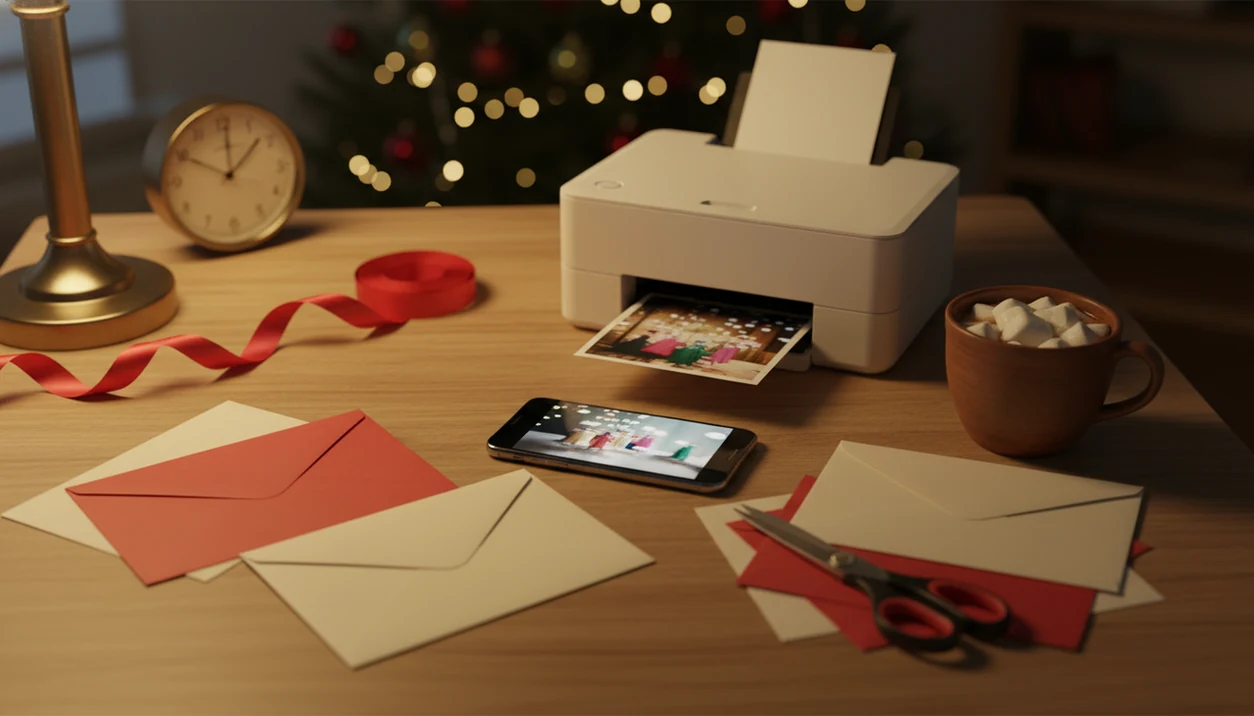
> A last minute Christmas card maker is a mobile-first tool that transforms a phone photo into a finished holiday card, printable or digital, using pre-made templates and AI styles for same-day creation and delivery.
- Upload one phone photo and get a finished Christmas card in minutes, not hours
- Export as a print-ready PDF for home printing or share digitally via email, text, or social media
- AI styles and pre-made templates mean zero design skills required
5 Facts About Last Minute Christmas Card Makers
- A good quick Christmas card maker imports phone photos and exports high-resolution PDF or JPG files in minutes, not after a full design session.
- Pre-made layouts, saved color palettes, and batch-friendly edits are faster than building a holiday card draft from a blank canvas.
- Same-day physical cards require a home printer, a Walgreens or CVS photo kiosk, or another local option. Mail-order printing usually needs more time.
- Digital cards avoid shipping delays because you can send the same greeting through email, text, or a messaging app.
- Clear photos, short wording, and one test print prevent most last-minute mistakes before you run twenty copies.
For families who need a same day holiday card after the kids are asleep, XmasCard fits because it starts with one phone photo and ends with a printable version or shareable greeting.
Check the crop first.
Good Christmas card makers deliver finished files and clear sending choices, not a design project that eats the whole evening. If you need a fully digital route, a digital Christmas greeting card is often the safest backup.
What a Last Minute Christmas Card Maker Does
A last minute Christmas card maker turns a single phone photo into a finished holiday card draft you can print or send tonight. It handles the layout work, festive treatment, and file exports so you can move faster than a blank design tool allows.
The point is not endless customization. The point is fewer decisions when the card still needs to look warm, personal, and finished. XmasCard can take one usable image, place it into a Christmas-ready format, add borders or seasonal AI styling, crop the frame, and pair it with readable fonts and greeting text.
- Upload one clear phone photo from your camera roll.
- Choose a festive style, border, card shape, and short greeting.
- Preview the crop, names, colors, and message before committing.
- Export a print-ready PDF for home printing or a local kiosk.
- Save a digital JPG or PNG for email, text, or a same-night group message.
That narrow workflow is the advantage. When speed matters more than choosing every pixel, a last minute Christmas card maker gives you a finished route from photo to card without turning December 24 into a design session.
How a Last Minute Christmas Card Maker Works
A last minute card workflow works by combining photo analysis, AI style transfer, and a template engine. In plain terms, the system checks whether your image is sharp enough, applies festive visual treatment, then places the photo and text into standard card sizes like 5x7, 4x6, or A6.
About 73% of U.S. adults reported owning a smartphone as of early 2021, according to Pew Research, which makes phone-first card creation realistic for most senders source. XmasCard uses that reality well because the whole draft can begin from the camera roll, not a desktop folder named “Christmas maybe.”
The export step matters. One design can produce a print-ready PDF for cardstock and a lighter JPG or screen-optimized file for texting. PiXmas Cards also keeps the workflow narrow, so you are choosing a card style, not learning professional layout software at 9:47 p.m. with 18% battery.
How to Use XmasCard as a Same Day Holiday Card Maker
Use XmasCard as a same day holiday card maker by moving from photo to preview to export without changing apps. The fastest path is one clear phone photo, one short message, and one delivery choice.
- Open XmasCard on your phone and upload one photo from your camera roll.
- Choose an AI Christmas style or a pre-made template that fits the photo shape.
- Add your holiday greeting text and recipient names.
- Preview the card and adjust the crop, layout, font, or colors.
- Export as a print-ready PDF, or share digitally by email, text, or social media.
If your priority is sending something tonight, XmasCard handles the practical middle step because the same card draft can become a PDF for printing and a digital greeting for the iPhone share sheet.
The full phone workflow is similar to our guide on how to make Christmas card on iPhone, especially if your photo is already saved in Photos.
When to Use a Quick Christmas Card Maker Instead of Ordering Prints
Use a quick Christmas card maker instead of ordering prints when the mailing window is already tight. The U.S. Postal Service processed more than 11.5 billion mailpieces between Thanksgiving and New Year’s Day during the 2022 holiday season, so December delivery timing is not a small detail source.
If postal deadlines have passed, digital delivery or home printing may be the only realistic option. Pew Research reported that about 76% of U.S. adults planned to celebrate Christmas in 2023 source, and December print demand rises fast. Email, text, and messaging apps also avoid the postal and production delays that make late-December physical cards risky.
After the mailing cutoff passes, when envelopes lined along the table no longer help, XmasCard earns its place by generating a digital version and printable version from the same design.
For missed-deadline planning, we cover the fallback options in what happens if you miss Christmas mailing deadline.
Ready to make your card?
A last minute Christmas card maker like XmasCard lets you turn one phone photo into a printable or digital holiday card in under five minutes. Upload your photo, pick an…
What a Last Minute Card Looks Like in XmasCard
A last minute card in XmasCard looks like a finished holiday greeting built from one ordinary photo. AI styles can soften background clutter behind smiles, add seasonal borders, balance yellow living-room light, and make the whole design feel more intentional.
One crooked couch family photo can become a flat photo card JPG, a folded cardstock PDF, or a screen-friendly greeting for email and text. Same photo. Different outputs.
The right fit for mixed print and digital sending is a workflow that generates both versions from one holiday card draft without duplicate layout work. You can still edit names, fonts, colors, and greeting lines inside the template system before downloading. PiXmas Cards is most useful when the photo is good enough, but the surrounding room is not.
Common Myths About Last Minute Holiday Cards
Last minute holiday cards do not have to look careless. They fail when the photo is blurry, the text is cramped, or nobody checks the final file before sharing.
| Myth | Fact |
|---|---|
| Last minute cards always look cheap. | Modern AI styles and templates can look polished when the photo is clear. |
| You cannot get physical cards done the same day. | Home printers and local kiosks can produce cards the same day. |
| Digital Christmas cards feel impersonal. | A personal photo and specific message can feel warm and deliberate. |
| You need design skills or expensive software. | Drag-and-drop tools are built for non-designers. |
For parents fixing one collar while the toddler looks away, XmasCard works because the card can lean on the real photo instead of pretending it was a studio shoot.
A personalized digital card is often better than a rushed blank-store card because the recipient sees your face, your wording, and your actual holiday note.
Last Minute Christmas Card Maker vs Print-Service Alternatives
A last minute Christmas card maker is faster than print-service ordering, but professional printers still win on color consistency and paper finish. Use the maker when time matters more than premium stock.
| Option | Speed | Cost | Flexibility | Quality trade-off |
|---|---|---|---|---|
| XmasCard | Finished file in minutes | Can avoid rush fees with home printing | Print and digital from one design | Good enough for most urgent cards |
| Shutterfly or Minted | Usually needs production and shipping time | Rush shipping can add cost | Strong print options, less instant | Better color and paper control |
| Canva or Picsart | Fast if you pick a template | Varies by export and print path | Broad design control | More choices can slow decisions |
| Local photo kiosk | Same day if slots are open | Pay per print | Physical pickup | Limited paper and trim options |
If you need cards in hand tonight, a maker plus home printing or local pickup is often faster than mail-order because there is no production queue or shipping leg.
Who Should Use a Last Minute Christmas Card Maker
A last minute Christmas card maker is best for people who already have a usable photo and need a finished greeting tonight. It is the right fit when speed, simplicity, and flexible delivery matter more than luxury paper, perfect color matching, or a mailed envelope arriving days later.
Busy parents are the obvious match, especially after the mail-order printing window has closed and the only quiet work time starts after bedtime. Couples and families also do well when they have one strong phone photo ready, even if the background needs a little seasonal help. Small businesses can use the same workflow for quick client notes, team greetings, or a warm year-end message without opening a full design project.
Use this route when the plan is practical:
- Choose your best clear phone photo instead of hunting for the perfect one.
- Write a short greeting that fits family, clients, or your team.
- Export both a printable file and a digital version if you need options tonight.
- Accept that the result is meant to be fast and personal, not a premium press run.
Related XmasCard Features for Holiday Greetings
These adjacent features help people who start with a photo but need different holiday outputs. They are useful when the first card draft turns into a group text, a printable batch, and a business greeting.
- AI Christmas portrait styles: Turn family, couple, pet, or Santa-style photos into cohesive seasonal images.
- Printable Christmas card templates: Choose layouts for 5x7, 4x6, A6, folded cards, and flat photo cards.
- Digital greeting sharing: Export a screen-ready card for email, text, or social posting.
- Photo-to-card workflows: Build greetings for couples, small businesses, and family-safe sharing.
If you are comparing digital-first options, the best digital Christmas card app guide explains when app-based sharing beats print-first planning.
Limitations
XmasCard is built for speed, but speed has tradeoffs. A quick card can still be thoughtful, but it cannot remove every real-world constraint.
- It cannot overcome postal delivery deadlines. Printed cards may arrive after Christmas if you mail them late.
- Rushing increases the risk of typos, swapped names, and choosing a low-resolution photo from a Downloads folder full of duplicates.
- AI styles can create artifacts, awkward crops, odd hands, or a look that does not fit a family’s cultural or religious tone.
- Home printers and basic cardstock cannot match professional color accuracy, coating, or durability.
- Some recipients still expect a physical card, so digital-only delivery may disappoint them.
- A home inkjet tray can pull cardstock slightly crooked. Test one before printing the full stack.
- Competitors like photoleap.app, picsmas.com, and festivai.app may offer broader AI image effects, but broader tools can slow down a same-night card task.
Reset the plan if the preview looks wrong.