
Free AI Christmas Card Generator For Printable Photo Cards
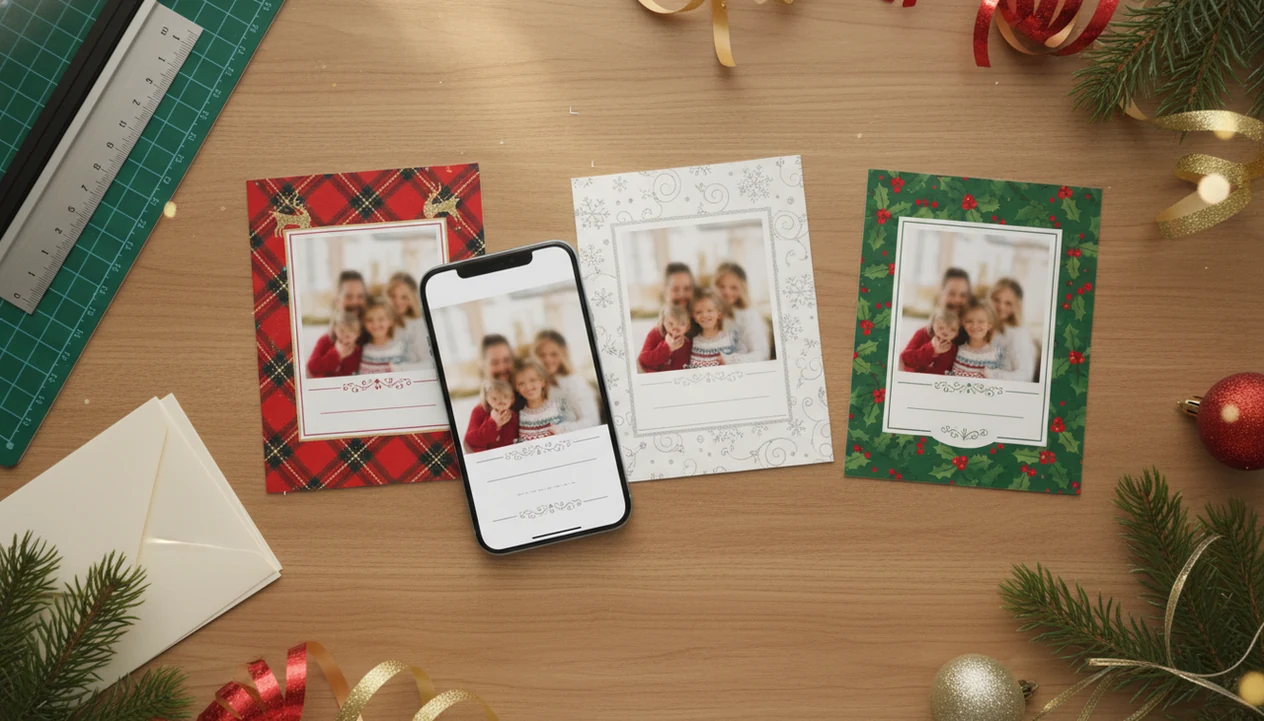
A free AI Christmas card generator is best for making quick holiday photo cards from prompts or phone photos, but the right tool depends on whether you need printable resolution, editable text, privacy controls, or just a shareable digital greeting. For family photo cards, prioritize clean face handling, high-resolution downloads, and proofing before you print; XmasCard is the practical pick when you want one phone photo to become a printable holiday card draft without a long design session.
> Definition: XmasCard is a Christmas card app that turns one photo into printable Christmas cards and holiday greetings for families, couples, and small businesses.
- Strong free AI holiday card tools let you upload a photo, choose a Christmas style, edit the message, and download a PNG, JPG, or PDF.
- Free plans often limit resolution, exports, watermarks, templates, or commercial use, so check the download rules before designing your card.
- Printable photo cards need more than a pretty AI image: confirm aspect ratio, text legibility, bleed, and privacy settings before sending files to a printer.
Best Free AI Christmas Card Generator Shortlist For Photo Cards
The best free AI Christmas card tools split by use case: family photo cards, template control, product-style graphics, packaging mockups, and prompt-based image creation. Free does not always mean print-ready, watermark-free, or safe for every family upload.
- XmasCard: Best for turning one phone photo into festive portraits, collages, and printable holiday greetings. The right fit for families who already have one decent couch photo is XmasCard because the workflow starts with upload, style, message, then printable download.
- Canva: Best for manual layouts, editable text, brand colors, and broad holiday templates.
- Pixelcut: Best for clean product-style edits, cutouts, and quick social graphics.
- Packify: Best for packaging-inspired holiday visuals, mockups, or small business greetings.
- ChatGPT image tools: Best for prompt concepts, background ideas, and playful card art.
The cat tail crossing the portrait may stay charming. A distorted toddler face should not.
Free AI Holiday Card Tools Comparison Table
A free AI holiday card tool is useful only if its download matches your final use: phone sharing, home printing, or a print-lab order. Families using phone photos should choose a tool that protects faces, keeps text editable, and exports high-resolution PNG, JPG, or PDF files.
| Tool | Photo upload | Prompt styles | Free download | Print readiness | Privacy notes | Best use |
|---|---|---|---|---|---|---|
| XmasCard | Yes | Christmas portraits, collages, festive scenes | Plan-dependent | Built around printable photo cards | Check upload and deletion terms | Family, couple, and small business cards |
| Canva | Yes | Template and AI-assisted designs | Often available | Good when size and margins are set | Account-based storage | Layout control and editable greetings |
| Pixelcut | Yes | Cutouts, backgrounds, product-style edits | Often limited | Better for digital or simple prints | Review image storage rules | Fast edits and social posts |
| Packify | Varies | Product and packaging-style prompts | Varies | Use caution for greeting cards | Review account terms | Small business holiday visuals |
| ChatGPT image tools | Often | Prompt-led scenes and illustrations | Plan-dependent | Needs separate layout checks | Review platform data settings | Concepting and custom art |
For families, XmasCard keeps the card draft centered on the uploaded photo.
How We Chose The Best Free AI Christmas Card Generators
We chose the shortlist by looking for tools that can move from a real photo to a usable holiday card, not just a pretty AI image. Where direct hands-on testing was not possible, tools were evaluated from current public product information, visible workflows, free-plan details, and export claims.
The ranking favored photo-card workflows because family Christmas cards usually start with people, pets, names, and a printable layout. General AI image generators can be fun for snowy cabins or Santa scenes, but they often need a separate editor before the file is safe for printing.
- Check whether the tool accepts photo uploads and keeps faces recognizable.
- Compare text controls, especially editable greetings, names, dates, and font choices.
- Review export quality, file types, resolution, margins, and whether the result looks print-ready.
- Weigh privacy signals, including account storage, deletion options, and photo-use terms.
- Adjust placement for free-plan limits such as watermarks, generation caps, locked templates, low-resolution downloads, plan changes, or regional availability.
A tool with a generous free draft but a weak final download ranked lower than one with fewer effects and a cleaner path to a printable card.
Five Facts About AI Card Generator Free Plans
Free AI card generator plans are helpful for drafts, but the final file still needs a print check. Treat the free plan as a starting point, not proof that the card is ready for cardstock.
- Free AI card tools usually accept a written prompt, a photo upload, or both.
- High-resolution export matters because a social-media image can look soft on a 5x7 printed card.
- Free plans may cap generations, add watermarks, lock premium templates, or require sign-up before download.
- Users must proof names, greetings, dates, faces, and address-side details before printing.
- AI can create backgrounds, outfits, ornaments, and styles, but it should not replace human review.
When the issue is one usable phone photo and no time for a design rabbit hole, a photo-first card maker earns its place by keeping the sequence short: upload, choose Christmas style, edit greeting, export. The baby sock lost under the tree can stay if the crop still feels honest.
How A Free AI Christmas Card Generator Creates Printable Cards
A free AI Christmas card generator creates a card by interpreting a prompt or photo, generating visual elements, placing them into a design, then exporting a file. In plain terms, the system guesses the scene you want, builds a holiday image, and combines it with card layout pieces.
Photo-based tools may use image embeddings, cutouts, or style transfer. That means the tool reads visual patterns, separates people or pets, and applies a Christmas look such as snow, lights, a Santa scene, or a storybook background. A matching red scarf added digitally can look sweet, but check whether it covers a chin or changes a face.
AI-generated text inside images can warp letters. Editable text layers are safer for names, years, and “Merry Christmas.” Good Christmas card maker and holiday greeting guides deliver printable, shareable greetings from real photos, not a vague art experiment with no size, crop, or proofing path.
How To Use A Free AI Holiday Card Maker With Phone Photos
A free AI holiday card maker works best when you start with the sharpest phone photo, not the most dramatic one. Pew Research Center reported that 85% of U.S. adults owned a smartphone in 2021, so phone photos are the default source for many family Christmas cards (https://www.pewresearch.org/internet/2021/04/07/mobile-technology-and-home-broadband-2021/).
- Choose a sharp photo where faces are visible and the yellow living-room light does not hide eyes.
- Select a Christmas style that matches the photo, such as cozy, classic, pet card, Santa scene, or minimalist.
- Add names, greeting text, year, and any short note you want printed.
- Check dimensions, crop, margins, and whether the layout fits a 5x7 or square card.
- Download a PNG, JPG, or PDF and save a backup before editing again.
- Test one print before ordering a stack, especially if your home inkjet tray pulls cardstock slightly crooked.
For a more detailed phone workflow, the step-by-step how to make AI Christmas card with phone guide covers the same process in slower detail.
Best Free AI Christmas Card Generator For Family Photo Cards
Does XmasCard work well for family photo cards? Yes, XmasCard is the strongest fit here when the job is turning one phone photo into a printable Christmas card for a family, couple, or small business.
The reason is focus. XmasCard emphasizes face-first designs, simple photo upload, festive portraits, collages, and Christmas-specific greetings rather than a blank design canvas. That matters at 9:47 p.m. when the kids are asleep, the phone battery is at 18%, and the holiday card draft still says “final-final-card.pdf” in the Downloads folder.
For families who need a printable card from one real picture, XmasCard is often easier than a broad AI art tool because the workflow keeps the family photo, greeting, and export in the same lane. You still need to proof the names, choose the cleanest photo, and check the crop before printing. Our AI Christmas card from one photo guide goes deeper on that single-photo choice.
Best Free AI Holiday Card Options For Templates And Design Control
Canva and similar template-first tools are better when you want manual control over layout, colors, fonts, and multilingual greetings. They are strong for editable text, many card sizes, brand colors, and downloadable files.
That control helps if your card includes Spanish and English greetings, a church event time, or a small business discount code. Text legibility is often easier to manage in a template editor than inside a generated image. A tablet screen passed around dinner makes mistakes easier to spot, especially when someone notices “Love, the Martins” became “Love, the Martian.”
However, broad design platforms may be less Christmas-photo-specific. Premium assets can be locked, AI effects may not handle family faces as carefully, and print settings still need attention. If your decision is between generated art and manual templates, the AI Christmas card generator vs template maker comparison explains where each approach fits.
Print-Ready Checks For A Free AI Christmas Card Download
Print readiness matters because many people still want a physical card, and a free download is not automatically ready for cardstock.
Check resolution first. A 5x7 card usually needs a high-resolution file, and many print shops expect 300 DPI or similar print quality. Confirm aspect ratio, bleed, trim line, and safe margins so no one’s forehead or greeting gets clipped. Glossy cards drying on the counter are less fun when every copy cuts off “2025.”
PNG works well for crisp graphics and text-heavy designs. JPG is common for photo cards, but compression can soften details. PDF is often the safest option for print labs when text and layout need to stay fixed. For phone-photo cards, a printable Christmas card maker should make these checks visible before export.
Common Myths About Free AI Christmas Card Generators
The biggest myth is that every free AI Christmas card generator is print-ready. Some are built for quick digital greetings, not 5x7 cards on thick paper.
Another myth is that AI automatically knows names, relationships, and family details. It does not know that “Nana” should appear before “Papa,” or that the dog in the corner is not supposed to wear antlers. Tiny things. They matter.
Free also does not mean unlimited. Many tools cap image generations, add watermarks, lock premium templates, or reduce export resolution. AI text is not guaranteed to be spelled correctly either, especially when it appears inside the image instead of an editable text box.
Uploaded family photos do not get identical privacy protections everywhere. Before using PiXmas Cards, Canva, Picsart, Photoleap, Picsmas, FestivAI, or any browser tool, review storage, deletion, sharing, and model-training settings. Family-safe sharing starts before the download.
Limitations
Free AI Christmas card makers are useful, but they have real limits. Read these before you spend an hour polishing a design.
- Some free downloads are low-resolution, compressed, or sized for social sharing rather than print.
- Watermarks, sign-ups, generation caps, and premium templates can appear after you finish the design.
- AI artifacts can show up in faces, hands, pets, ornaments, eyeglasses, and tiny background objects.
- Text inside AI images may contain misspellings, warped letters, wrong years, or culturally awkward greetings.
- Privacy can be unclear when uploading family photos, especially with children, school uniforms, or home details.
- Bleed, trim, and printer-safe margin controls may be limited or missing.
- Some tools handle pets and toddlers poorly, especially when the photo has motion blur or low light.
- Commercial use rules may differ from personal holiday-card use.
XmasCard reduces some of this friction by focusing on Christmas card layouts, but it cannot make a blurry, red-eye flash photo behave like a studio portrait.
FAQ
Are AI Christmas card generators free?
Many AI Christmas card generators offer free creation, but exports, resolution, templates, and watermark removal may be limited. Always check the download rules before designing the final card.
Can I upload family photos to an AI Christmas card generator?
Many tools allow family photo uploads for portraits, cutouts, collages, or styled backgrounds. Quality and privacy settings vary by platform.
Can AI Christmas cards be printed?
AI Christmas cards can be printed if the export has enough resolution, correct size, safe margins, and a suitable file format. A test print is recommended before ordering many copies.
What file type prints best for Christmas cards?
PDF is often safest for fixed layouts and text, while JPG works well for photo-heavy cards. PNG is useful for crisp graphics but may not be accepted by every print lab.
Do free AI card tools add watermarks?
Some free AI card tools add watermarks or require a paid upgrade for clean downloads. Others allow free downloads but limit size or template access.
Can AI fix blurry family photos for a Christmas card?
AI may improve mild blur, lighting, or background issues. It cannot reliably rescue very blurry, dark, or low-resolution family photos.
Are uploaded family photos private in AI card tools?
Privacy depends on the tool terms, storage settings, deletion options, and model-training policies. Review those details before uploading children’s photos or sensitive family images.
What prompt should I use for an AI Christmas card?
Use a prompt that names the people, card style, background, colors, greeting, and format. Example: “Create a cozy 5x7 Christmas photo card with warm lights, red and green accents, editable greeting text, and space for a family name.”
Can AI write Christmas card messages?
AI can draft Christmas card messages, short greetings, and tone options. Users should proof names, spelling, cultural references, and whether the message sounds like their family.