
Child Photo Safety for Christmas Cards and AI Apps
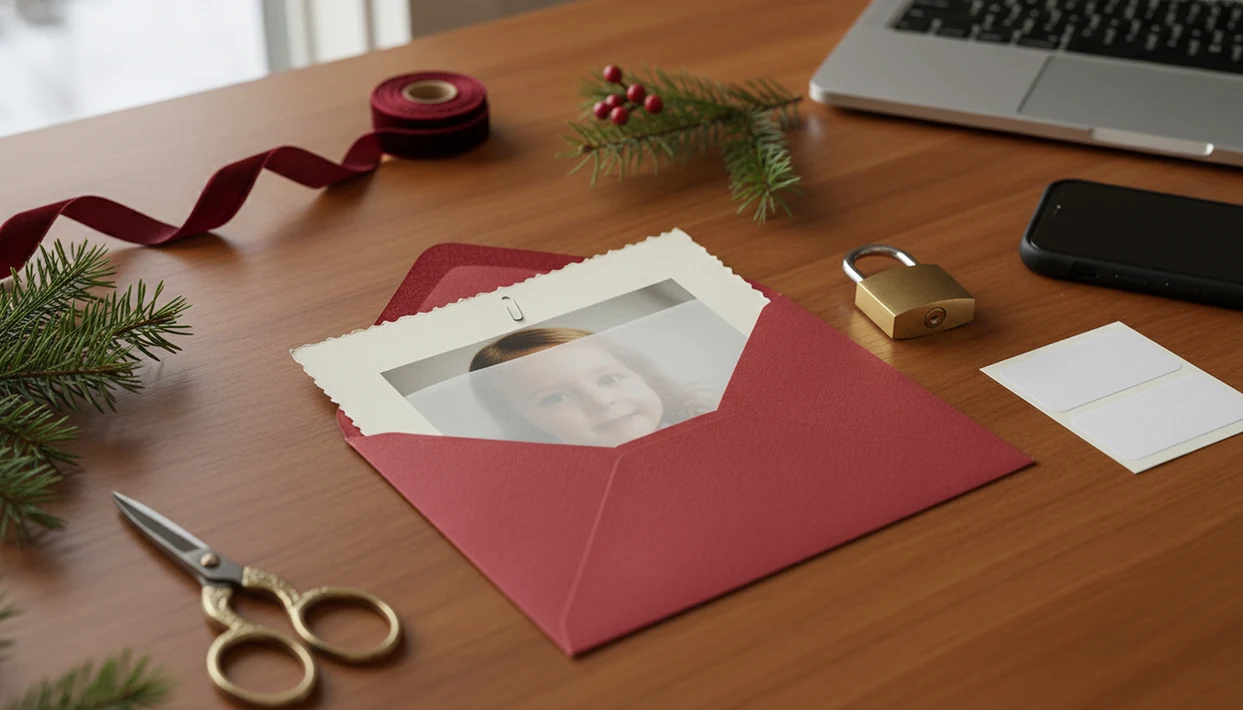
Child photo safety Christmas cards means using kids’ holiday photos in a way that limits identity, location, school, and data-retention risks before you print, email, post, or upload them to an AI card app. The safest workflow is to share only with intended recipients, remove identifying clues, review AI app privacy terms, and avoid public posting when a child’s face is recognizable.
This guide is general privacy education, not legal, custody, school-policy, or cybersecurity advice. If a child has a protection order, foster-care restriction, stalking risk, or school safety plan, follow that rule before using any holiday-card workflow.
Child photo safety Christmas cards are holiday cards that include children’s images while minimizing exposure of names, schools, home addresses, location clues, metadata, and app-data risks.
- Avoid full names, school names, uniforms, house numbers, schedules, and location clues on kids photos holiday cards.
- Before using AI holiday-card tools, check whether uploaded child photos are stored, deleted, or used for training.
- Private digital sending is safer than public posting, but screenshots, forwarding, and reposting can still spread a child’s image.
At-a-Glance Child Photo Safety Christmas Cards Checklist
Use this checklist before a child’s photo leaves your phone: remove full names, school clues, house numbers, visible addresses, location metadata, and public posting plans. Then choose the smallest audience that still fits the greeting.
- Check the crop for uniforms, badges, street signs, license plates, and delivery labels.
- Use limited wording, such as “The Martin Family” instead of each child’s full name.
- Choose the audience before exporting, printing, emailing, or posting.
- Review app terms for storage, deletion, vendor access, and AI training.
- Save a backup, then delete test exports you no longer need.
Safety is risk reduction, not a guarantee. A test print taped to the fridge can look harmless, but the same file may include a home exterior in the background.
A one-photo card workflow can reduce exposure because fewer child images enter the editing and export process. Whether you use a card app, local editor, or print shop, review the crop and recipient list before downloading or sending.
Five Child Identity Facts for Kids Photos Holiday Cards
These five facts are the baseline for child privacy Christmas card decisions.
- Shared child photos can travel. A card image can be reused, forwarded, screenshotted, saved, or reposted once it leaves your camera roll.
- Safer cards avoid linked identifiers. Skip full names, school names, grades, addresses, schedules, and location clues in kids photos holiday cards.
- AI tools may process more than the picture. Depending on the terms, uploaded images may be analyzed, retained, stored, or reviewed.
- Private digital cards reduce scale, not shareability. A private list is safer than a public post, but email and group chats still allow copying.
- Accumulation is the bigger risk. One card matters less than repeated clues across posts, apps, cards, and mailing labels.
Javelin reported that 1 in 5 U.S. children is a victim of identity theft or fraud, with an average loss of $1,128 per victim source. The University of Michigan reports that 1 in 50 children is affected by identity theft each year source.
AI App Workflow for Child Photo Safety Christmas Cards
An AI Christmas card workflow moves a phone photo through upload, image analysis, preview generation, export, printing, emailing, and optional public sharing. Each handoff is a privacy decision point.
How child photo safety Christmas cards work: the app may create image embeddings, which are mathematical summaries of visual details, to match a child’s face, background, clothing, and scene to a holiday card style. In plain language, the system may “read” more than the smile. It can notice the school logo, porch number, or the dog leash in the corner.
Privacy depends on retention, deletion, access control, model-training language, and whether service providers handle the file. File names can also reveal details, especially when a Downloads folder contains duplicates like final-final-card.pdf. For broader upload questions, the related guide on is AI Christmas card safe covers app risk in more detail.
Child Privacy Christmas Card Details to Remove Before Sharing
Remove details that connect a child’s face to a name, school, home, schedule, or exact location. Start with the photo you already have, then simplify what the card reveals.
- Names and personal facts. Avoid full legal names, nicknames paired with surnames, birth dates, ages, grade levels, team names, school names, and teacher names.
- Home and street clues. Crop house numbers, street signs, license plates, neighborhood landmarks, delivery labels, and return-address exposure.
- School and activity markers. Watch for uniforms, school spirit wear, backpacks, badges, schedules, sports locations, and recital details.
- Metadata and file clues. Remove geotags when possible, and rename files that include a child’s name or school.
- Lower-exposure alternatives. Use first names only, a family surname, a cropped background, a generic holiday scene, and a limited recipient list.
A teenager hiding behind bangs may not be the privacy problem. The banner behind them might be.
AI Training and Deletion Questions for Child Photo Safety Christmas Cards
“Can this app store or train on my child’s Christmas card photo?” Ask that exact question before uploading, especially if the privacy policy uses broad language about improving services.
Ask these questions before you choose an AI card workflow:
- Are uploaded child images stored, and how long are they retained?
- Can staff or contractors manually review uploads, prompts, or generated images?
- Can photos, prompts, outputs, face data, or style results be used to train, fine-tune, test, or improve AI systems?
- Can you delete uploads and generated images, and does deletion cover backups and vendors?
- Does the service allow child images, and does it require parental consent?
For children under 13 in the U.S., the FTC explains that COPPA generally requires covered online services to provide notice and get verifiable parental consent before collecting personal information from children: https://www.ftc.gov/business-guidance/privacy-security/childrens-privacy.
Unclear retention or training language is a practical reason to choose a lower-risk workflow, such as local editing, a printable version without AI styling, or a cropped family photo. The question can AI use child photo for training deserves a direct answer before bedtime card-making starts.
Printed Cards vs Digital Cards for Child Privacy Christmas Card Sharing
Printed cards, private digital cards, and public social posts create different privacy risks. Match the format to the sensitivity of the child photo and the trust level of the audience.
| Format | Main privacy benefit | Main risk | Safest use case |
|---|---|---|---|
| Printed card | Limits scale to the mailing list | Shows return addresses and can be photographed | Close family and trusted friends |
| Private digital card | Avoids public posting | Can be forwarded, screenshotted, or saved | Small recipient list by email or text |
| Public social post | Easy for distant contacts to see | Largest audience and strongest accumulation risk | Non-identifying images or no child face |
For most families, private sending is often safer than public posting because it limits the first audience. It does not stop a recipient from forwarding the image. If mailing addresses are part of the plan, review Christmas card address privacy before printing labels half peeled on the kitchen table.
Five Myths About Kids Photos Holiday Cards and AI Safety
These myths are common because holiday cards feel personal and small. The practical fix is not panic; it is removing avoidable clues.
- Myth: A Christmas card is too small or private to matter. A mailed or emailed card can still be photographed, forwarded, or posted.
- Myth: Removing a child’s name makes the card safe. Faces, uniforms, landmarks, and metadata can still identify a child.
- Myth: AI card apps never keep uploaded photos. Retention depends on the service’s current terms, settings, and vendor practices.
- Myth: Digital cards are always safer than paper cards. Digital files spread faster, while paper cards expose addresses and family names.
- Myth: Only strangers create risk. Javelin found child identity theft victims were 2.5 times more likely than adults to know the perpetrator.
Good Christmas card maker and holiday greeting guides help families turn phone photos into printable cards, digital greetings, and festive portraits using AI styles, not into public identity dossiers.
Privacy Safeguards to Look For in a Christmas Card App
A Christmas card app should make review-before-sharing easy, not ask parents to trust a vague promise. Useful safeguards include private card creation, downloadable outputs, user-controlled recipient choices, and a clear deletion-request pathway.
Parents should still review the current privacy policy and in-app settings before uploading a child’s image. No app can control what recipients do after a card is downloaded, emailed, printed, forwarded, or posted. That is the line to remember.
A practical card-making workflow should create a draft, let you check the crop, export a printable version, and choose recipients deliberately. For families, a one-photo workflow is often safer than uploading a large album because fewer child images enter the process.
When to Get Legal, School, or Safety Guidance
Get specific guidance before uploading or sharing an identifiable child photo when a formal rule or safety concern may apply. A general Christmas card checklist should never override a court order, school plan, case plan, or family safety plan.
Custody orders, foster-care requirements, restraining orders, and no-contact conditions can limit who may receive a child’s image or whether it can be posted at all. School safety plans may also restrict uniforms, campus backgrounds, team names, awards, name tags, or public recognition that looks harmless on a holiday card. If stalking, harassment, domestic violence, or a hidden-address concern is part of the child’s life, treat the photo as a safety-planning decision, not a design choice.
- Pause before uploading the child’s face, name, school, uniform, home exterior, or activity location.
- Check the order, school policy, foster-care rule, or safety plan that applies to the child.
- Ask the platform, school, lawyer, caseworker, or advocate what sharing is allowed.
- Choose a lower-exposure option, such as a non-identifying image, cropped background, or private message.
- Document the answer before sending the card.
Limitations
Child photo safety advice reduces exposure. It cannot make a child’s image impossible to copy, save, or misuse.
- No Christmas card workflow can guarantee privacy after a photo leaves the parent’s device or the card app.
- Recipients can screenshot, forward, photograph, upload, print, or repost a child’s image.
- Removing names does not remove all risk if faces, locations, uniforms, schools, or landmarks remain visible.
- AI photo tools are not proven risk-free when retention, deletion, vendor access, or model-training practices are unclear.
- Printed cards can expose return addresses, recipient lists, family names, and home-location information.
- Safety advice reduces exposure rather than eliminating risk completely.
- Parents may need legal, school, custody, or platform-specific guidance for sensitive situations.
If a custody order, foster-care rule, school policy, or safety concern applies, do not rely on a general holiday-card checklist. Get specific guidance.
FAQ
Are kids Christmas card photos safe to share?
They can be safer when identifiers are removed, the recipient list is limited, and the image is not posted publicly. Safety depends on what is visible, who receives it, and where it can be copied.
Should I put my child’s full name on a Christmas card?
Avoid full names on child photo cards. Use first names, initials, “the kids,” or family-level wording instead.
Can school uniforms reveal my child’s identity in a holiday photo?
Yes. Uniforms, logos, colors, badges, team clothing, and backpacks can identify a child’s school or activity.
Are digital Christmas cards safer than printed cards?
Private digital cards can reduce public exposure, but they can still be forwarded or screenshotted. Public digital posts are usually higher risk than a limited mailing list.
Can AI Christmas card apps keep child photos?
Some AI Christmas card apps may retain, analyze, or store uploaded child photos depending on their terms. Check retention, deletion, training, vendor, and account-setting language before uploading.
Should I remove photo metadata before sending a Christmas card?
Yes, when possible. Geotags and file metadata can reveal location details that are not visible in the card design.
Is a return address risky on family Christmas cards?
A return address can expose a child’s home location. Consider whether every recipient needs that information before printing labels.
Can relatives repost my child’s holiday card photo?
Yes. Relatives and friends can repost, forward, or screenshot a card unless you set clear expectations in advance.
What makes a safer Christmas card with my child’s photo?
A safer card uses minimal identifiers, a neutral background, a trusted audience, a privacy-aware app, and no public posting. Check deletion and sharing settings before export.