
App To Help Print Christmas Cards From Phone Photos
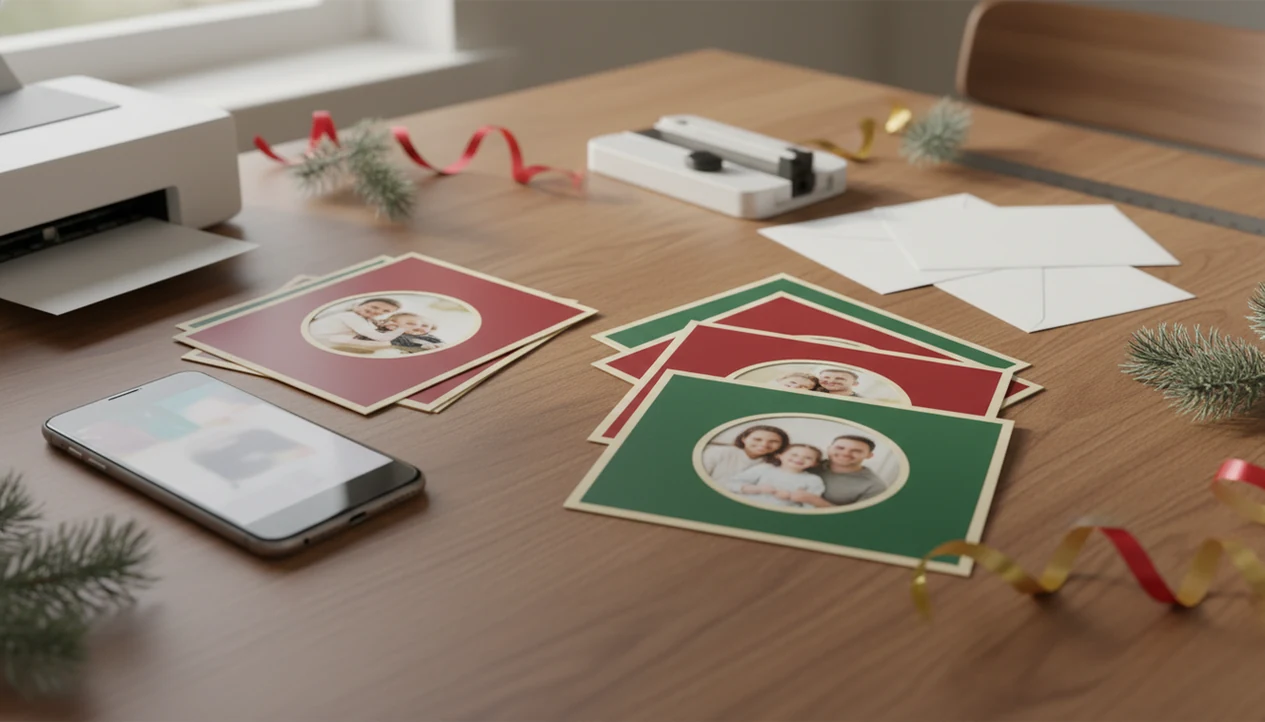
The easiest app to help print Christmas cards from phone photos checks image size, guides cropping, adds a printable card layout, and exports a high-resolution file or connects you to printing. A good phone-first workflow lets you choose a photo, make it festive, preview the card, then save or print it.
> A Christmas card app should turn one phone photo into printable Christmas cards and holiday greetings for families, couples, and small businesses.
- Use full-resolution phone photos, not screenshots or compressed social media downloads.
- Choose a card aspect ratio before designing so faces, text, and borders do not get cropped at print time.
- Export a high-quality JPEG, PNG, or PDF and check print deadlines, envelopes, and postage before ordering.
What a phone Christmas card printing app does
A print Christmas cards app takes a phone photo through layout, text, crop, preview, and either export or ordering. Most people use it for mailed cards or a print-ready file they can send to a pharmacy, print lab, or home printer.
That phone-first path fits real behavior. Pew Research reported in 2023 that 97% of U.S. adults owned a cellphone and 90% owned a smartphone, and another Pew survey found that 84% of U.S. adults at least sometimes send greeting cards for holidays or special occasions source.
In real use, the job is usually smaller and messier than the template gallery suggests: one decent phone photo, one greeting line, a few names to spell correctly, and a deadline.
Before you use an app to help print Christmas cards from phone photos
Before opening the app, collect the photo, wording, names, and print requirements. Five checks prevent most late-night card problems.
- Start with the original camera photo, not a screenshot or a saved Instagram copy.
- Skip dark, blurry, heavily filtered, or tiny files sent through messaging apps.
- Pick the format first: flat photo card, folded card, square card, postcard-style card, or digital-plus-print greeting.
- Gather names, signoff text, address details, quantity, envelopes, and postage notes before designing.
- Ask the print shop for file type, trim size, bleed, and upload limits if you plan local pickup.
Start with the photo you already have, but be honest about it. Yellow living-room light and a toddler looking away can still feel warm. A red-eye flash on the only clear face is harder.
How a phone card printing app works behind the scenes
A phone card printing app imports the image, checks resolution, places it inside a crop frame, adds template and text layers, then creates a preview and export file. The print handoff may be a PDF, JPEG, PNG, or direct order.
The technical parts are simple but important. Aspect ratio controls the card shape. Bleed is the extra image area trimmed off during printing. Safe zones keep faces and words away from the cut edge. A phone-screen preview is brighter than paper, so the final card can look slightly darker.
AI styles may create watercolor portraits, snowy scenes, or festive backgrounds. Good Christmas card makers and holiday greeting guides help families turn phone photos into printable cards, digital greetings, and festive portraits using AI styles, not replace print checks, crop review, or mailing prep.
Pixels still matter. Pretty on screen is not the same as printable.
How to use a print Christmas cards app on your phone
Use a print Christmas cards app in this order: photo, size, style, proof, export. Changing the size after designing is where many crops go wrong.
- Choose the original photo from the phone camera roll, preferably the full-resolution version.
- Set the card size or aspect ratio before adding text or borders.
- Apply a Christmas template or AI holiday style, then check faces, pets, hands, and eyes carefully.
- Review crop, bleed, safe zones, spelling, names, return address details, and mailing list counts.
- Export a print-ready file or send the order to a print service.
For a deeper phone-first workflow, a printable Christmas card maker should let you save both the editable holiday card draft and the final export. We like checking the preview once under ceiling glare, because tiny gold script can disappear fast.
Best print sizes and aspect ratios for Christmas card apps
Common card ratios are just shape shortcuts: 1:1 is square, 3:4 is taller or wider, and 4:5 fits many portrait-style prints. The exact print lab template matters more than the decorative preview inside the app.
Common card ratios
| Ratio or format | Good use | Watch for |
|---|---|---|
| 1:1 square | Pets, couples, simple greetings | Needs balanced space around faces |
| 3:4 portrait | Single child, couple, vertical doorway photo | Top and bottom crop can be tight |
| 4:5 portrait | Social-photo style card | Text may crowd the lower edge |
| Landscape card | Family group photo | Faces near sides may trim |
| Folded card | Longer message inside | More panels to proof |
Resolution and 300 dpi checks
For professional-looking print, 300 dpi is the common target. Adobe’s print-resolution guidance also uses 300 ppi as a common benchmark for high-quality photo output source. Lower-resolution exports may look soft, especially on faces. The full Christmas card size for printing guide is useful when a lab asks for exact dimensions.
AI Christmas card styles inside a phone card printing app
AI Christmas card styles are useful when the original photo is plain but clear. They can add mood, background, and seasonal color, but they can also soften faces or alter small details.
- Watercolor style: good for gentle family cards, but fine facial details may blur.
- Cozy illustration: works well for pets and kids, though clothing patterns can change.
- Photoreal portrait: keeps the card close to a normal photo, but inspect eyes and teeth.
- Snowy background: adds a winter setting without needing an outdoor shoot.
- Festive family scene: can feel warm, but check every person before ordering.
Tools like XmasCard, Canva, Picsart, and Photoleap handle this niche differently. PiXmas Cards is another name readers may see in the same phone-photo card space. Inspect the couple photo with soft bokeh lights before buying 60 copies.
Local printing, mail-order cards, and PDF export options
You can print phone-made Christmas cards through local pickup, mail-order services, home printing, or exported files. Direct print integration is convenient, but it is not available in every country or for every card size.
| Print path | Good for | Check before paying |
|---|---|---|
| Local pharmacy or print lab | Fast pickup at Walgreens, CVS, or a copy shop | Trim size, paper, file type |
| Mail-order card service | Larger batches with envelopes | Shipping cutoff dates |
| Home printer | Small batches tonight | Ink, cardstock feed, margins |
| PDF/JPEG/PNG export | Flexible local upload | Resolution and bleed |
USPS processed more than 11.7 billion mailpieces between Thanksgiving and New Year’s Day in the 2022 holiday season source. Return-address labels half peeled on the counter are a reminder: printing is only part of the job.
Common mistakes when using a phone Christmas card printing app
Most disappointing printed cards come from low-quality inputs, wrong ratios, or rushed proofing. The app can guide you, but it cannot guess what the print lab will trim.
- Screenshots, tiny downloads, and messaging-app photos often lack enough pixels for clean print.
- Choosing a new ratio after designing can cut off heads, borders, or signature lines.
- Text too close to the edge may disappear when the card is trimmed.
- Missing bleed can leave thin white strips around the card.
- Low-contrast fonts and over-saturated phone edits can print muddy.
Not every free export is print-ready. Some files include watermarks, locked templates, or reduced resolution. If you are unsure, use a resolution checker; our guide to what app identifies photo resolution for printing explains what to look for.
Print-ready Christmas card verification checklist
“Is this Christmas card ready to print?” It is ready when the file size, crop, spelling, faces, safe zone, export format, quantity, paper, envelopes, and delivery date have all been checked.
Use this final pass before paying:
- Confirm the export is high-resolution and matches the printer’s required size.
- Check the crop on every face, pet, border, and line of text.
- Proof names, year, greeting, return address, and mailing list count.
- Keep text inside the safe zone and image color through the bleed.
- Choose paper, envelopes, quantity, pickup, shipping, and delivery date.
- Save the editable project and the final export, even if the file is named final-final-card.pdf.
Order one test print if time and budget allow. A home inkjet tray can pull cardstock slightly crooked, and paper always looks less bright than the phone.
Limitations
A phone card printing app can speed up the card job, but it cannot control every photo, printer, or delivery detail. These limits are worth checking before a large order.
- It cannot fully repair very blurry, dark, cropped, or compressed photos.
- AI Christmas styles may alter faces, hands, pets, clothing, or background details.
- Print colors can look duller, warmer, or darker than the phone preview.
- Some free versions may add watermarks, limit export size, or lock premium templates.
- Direct physical printing may not be available in every region or for every card size.
- Holiday shipping cutoffs, printer delays, envelopes, and postage are outside the app’s control.
- Local print labs may reject files that do not match size, bleed, or file format rules.
If the only photo has a dog leash in the corner, crop carefully. Or keep it. Sometimes that is the family photo.
FAQ
Can I print cards from phone photos?
Yes, phone photos can print well if you use the original full-resolution image and export a print-ready file. Screenshots and compressed downloads are more likely to look soft.
What app prints Christmas cards?
Look for a print Christmas cards app with templates, crop guidance, size checks, export options, and printing or local upload support. Examples in this category include XmasCard, Canva, Shutterfly, Walgreens Photo, and Picsart, but the best choice depends on whether you need export-only files, local pickup, or mail-order printing.
Are phone photos good for cards?
Full-quality camera photos are usually good for cards when they are sharp and well lit. Dark, blurry, filtered, or compressed images often print poorly.
What size should Christmas cards be?
Christmas card size depends on the printer, envelope, and chosen layout. Match the app aspect ratio to the printer’s template before adding text.
Do I need 300 dpi?
300 dpi is the common target for crisp photo printing. Lower resolution may work for small cards, but faces and text can look soft.
Can I print cards locally?
Yes, export a JPEG, PNG, or PDF and upload it to a nearby print lab, pharmacy, or copy shop. Confirm the lab’s size, bleed, and file format rules first.
Can AI cards be printed?
Yes, AI-styled cards can be printed if the export has enough resolution and a standard print format. Review faces, hands, pets, and text before ordering.
Why are printed cards cropped?
Printed cards are cropped because of bleed, safe zones, and aspect ratio mismatch. Always preview the printer’s final crop before ordering.